

由于刘海的出现,会遮挡顶部的ui显示,所以需要考虑适配ui的显示
目前flutter有两种适配方案:
1、直接使用Scaffold,同时添加appbar,框架会自动适配显示,这也是常用场景
2、当不使用appbar时,可以考虑使用SafeArea来进行适配,这个场景在全屏的视频播放中应用比较多,如类似直播间页面,或者抖音等小视频播放页面
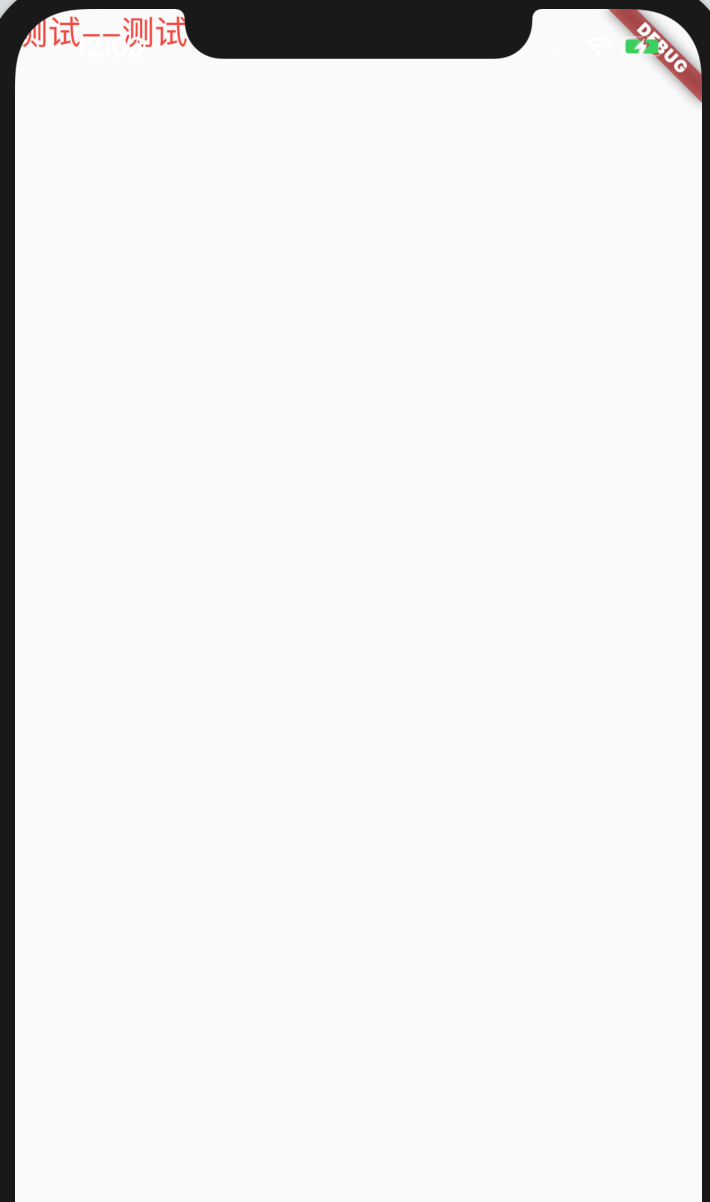
如iphone 11不使用SafeArea的效果图:
如iphone 11使用SafeArea的效果图:
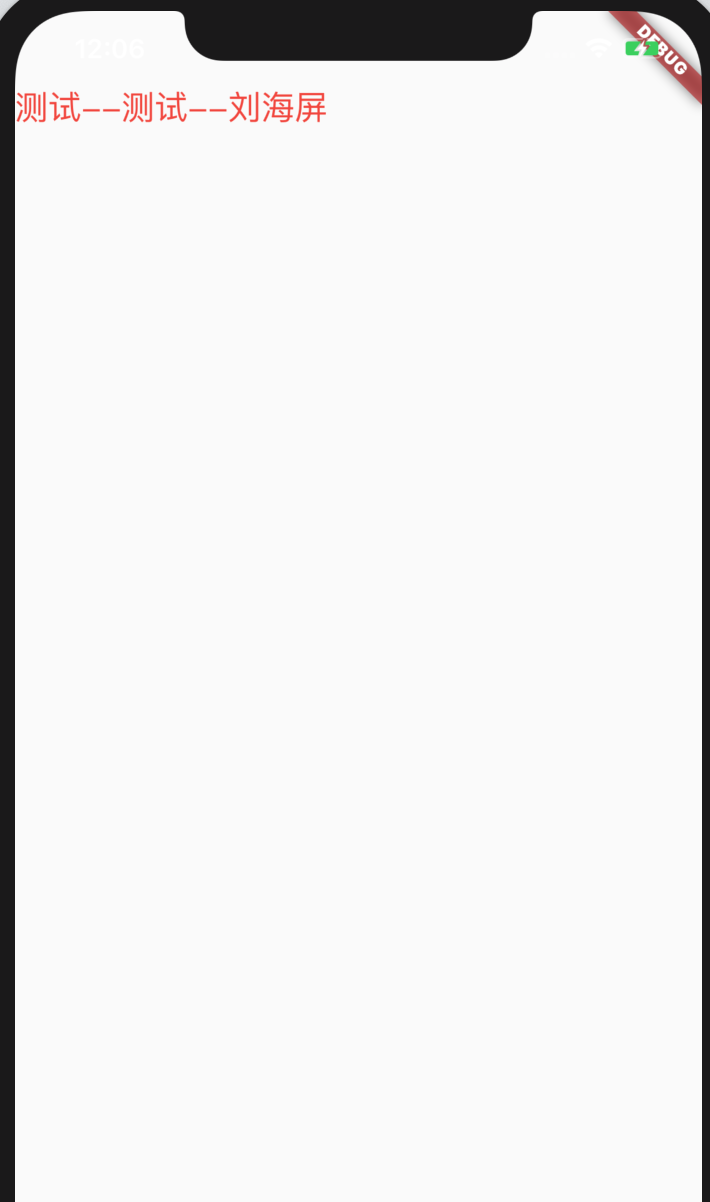
对比可以看到有内容下移,不被刘海遮挡显示
SafeArea原理
SafeArea继承于StatelessWidget
@override
Widget build(BuildContext context) {
   assert(debugCheckHasMediaQuery(context));
   final MediaQueryData data = MediaQuery.of(context);
   EdgeInsets padding = data.padding;
   // Bottom padding has been consumed - i.e. by the keyboard
   if (data.padding.bottom == 0.0 && data.viewInsets.bottom != 0.0 && maintainBottomViewPadding)
     padding = padding.copyWith(bottom: data.viewPadding.bottom);

   return Padding(
     padding: EdgeInsets.only(
       left: math.max(left ? padding.left : 0.0, minimum.left),
       top: math.max(top ? padding.top : 0.0, minimum.top),
       right: math.max(right ? padding.right : 0.0, minimum.right),
       bottom: math.max(bottom ? padding.bottom : 0.0, minimum.bottom),
     ),
     child: MediaQuery.removePadding(
       context: context,
       removeLeft: left,
       removeTop: top,
       removeRight: right,
       removeBottom: bottom,
       child: child,
     ),
   );
}
build时通过MediaQuery获取屏幕的top,left,right,bottom的不能正确显示ui的距离,然后使用一个Padding进行包裹来设置内边距,从而实现不遮挡显示
