uni-app版TODOLIST
uniapp应用执行顺序

先加载配置文件pages.json -> 再加载main. js入口文件,创建vue实例 -> 再加载App.vue根文件 -> 再根据配置文件找页面
代码
<template>
<view class="content">
<input type="text" placeholder="请输入内容" v-model="inputValue">
<button type="primary" @click="addItem">添加</button>
</view>
<view class="g-list">
<view class="m-item" v-for="item,index in list" :key="index">
{{index}}-{{item}} <text @click="onDelete(index)">删除</text>
</view>
</view>
</template>
<script setup>
import {ref} from "vue"
const inputValue = ref('')
let list = ref([])
const addItem = ()=>{
list.value.push(inputValue.value)
inputValue.value = ''
}
const onDelete = (index)=>{
list.value.splice(index,1)
}
</script>
<style lang="scss">
.content{
display: flex;
padding: 10px;
input{
flex: 1;
border: 1px solid black;
height: 40px;
}
button{
width: 100px;
}
}
</style>
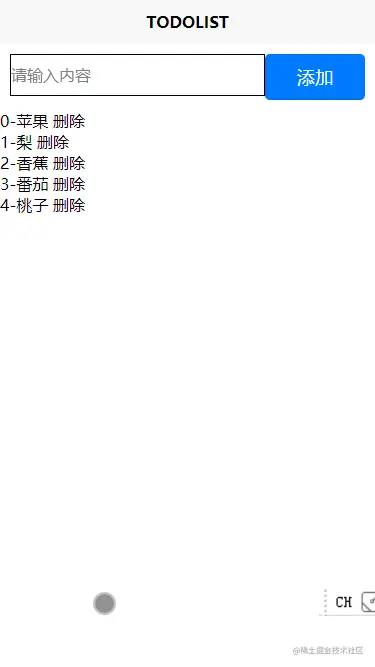
效果
总结
基本同vue写法
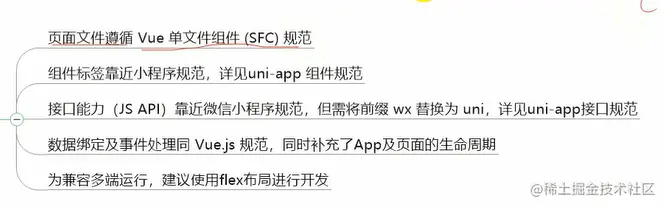
附录 uni-app的语法规范